> For the complete documentation index, see [llms.txt](https://docs.hology.app/llms.txt). Markdown versions of documentation pages are available by appending `.md` to page URLs; this page is available as [Markdown](https://docs.hology.app/assets/materials/reflective-materials.md).
# Reflective materials
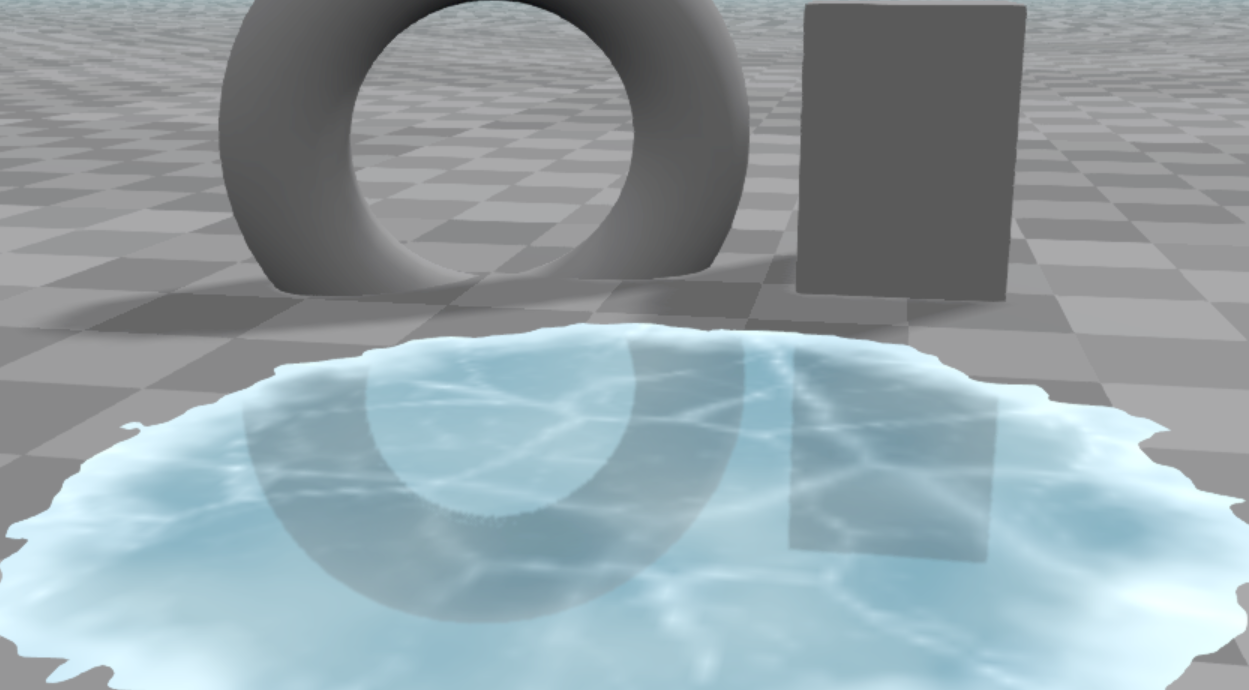
Hology Engine supports reflections on materials through **Screen Space Reflections (SSR)**. This technique approximates reflective surfaces by tracing rays against the contents of the current screen, allowing for real-time reflections without the heavy performance cost of traditional ray tracing.
Materials’ **normal**, **roughness**, and **opacity** values are taken into account when calculating reflections, allowing for realistic variation across different surfaces.
## Enable reflections
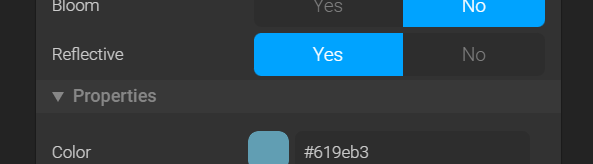
Open the material asset from the asset browser and toggle reflective to Yes. It is by default set to No.